Plan.
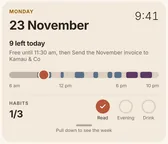
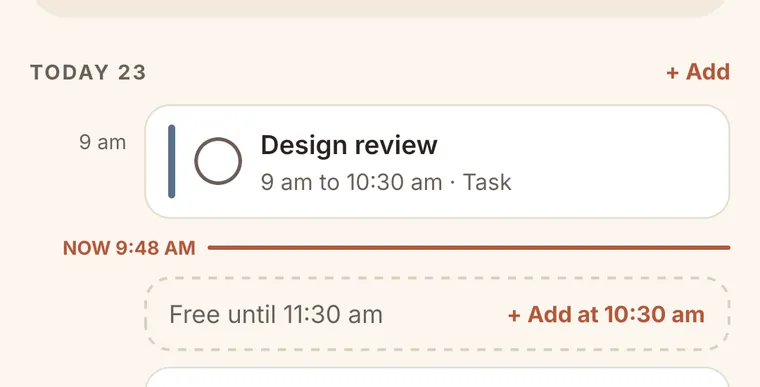
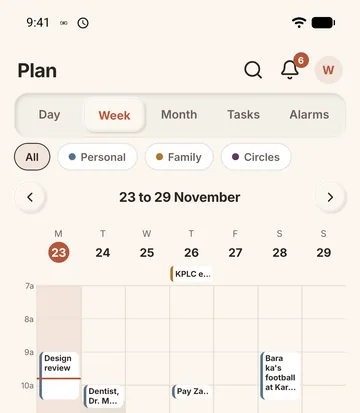
Your day, your week, your month. Everything with a time, in one place.
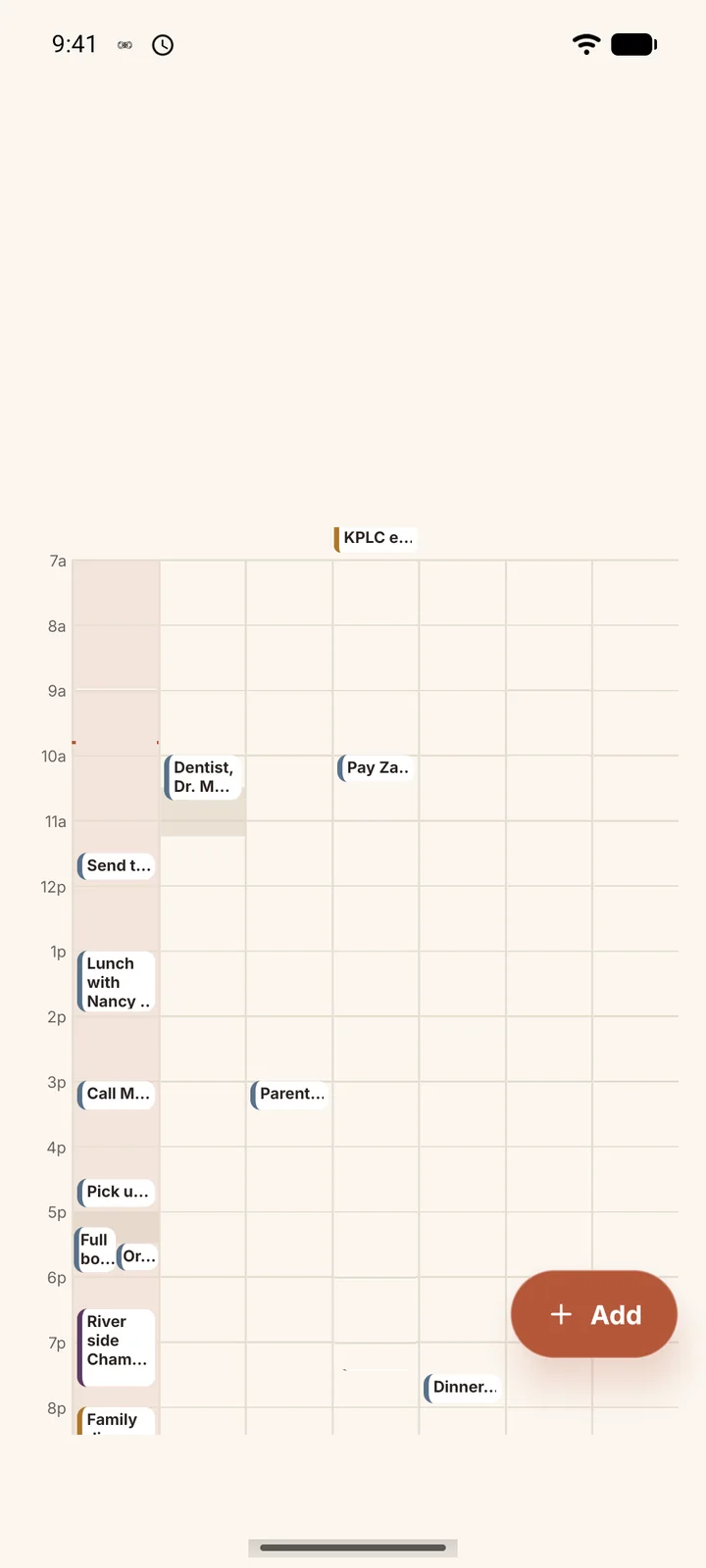



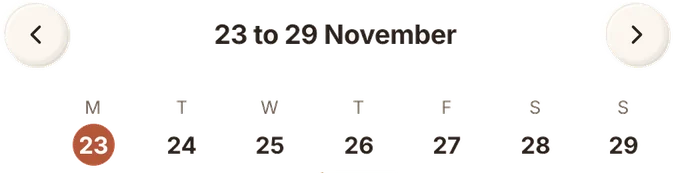



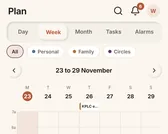
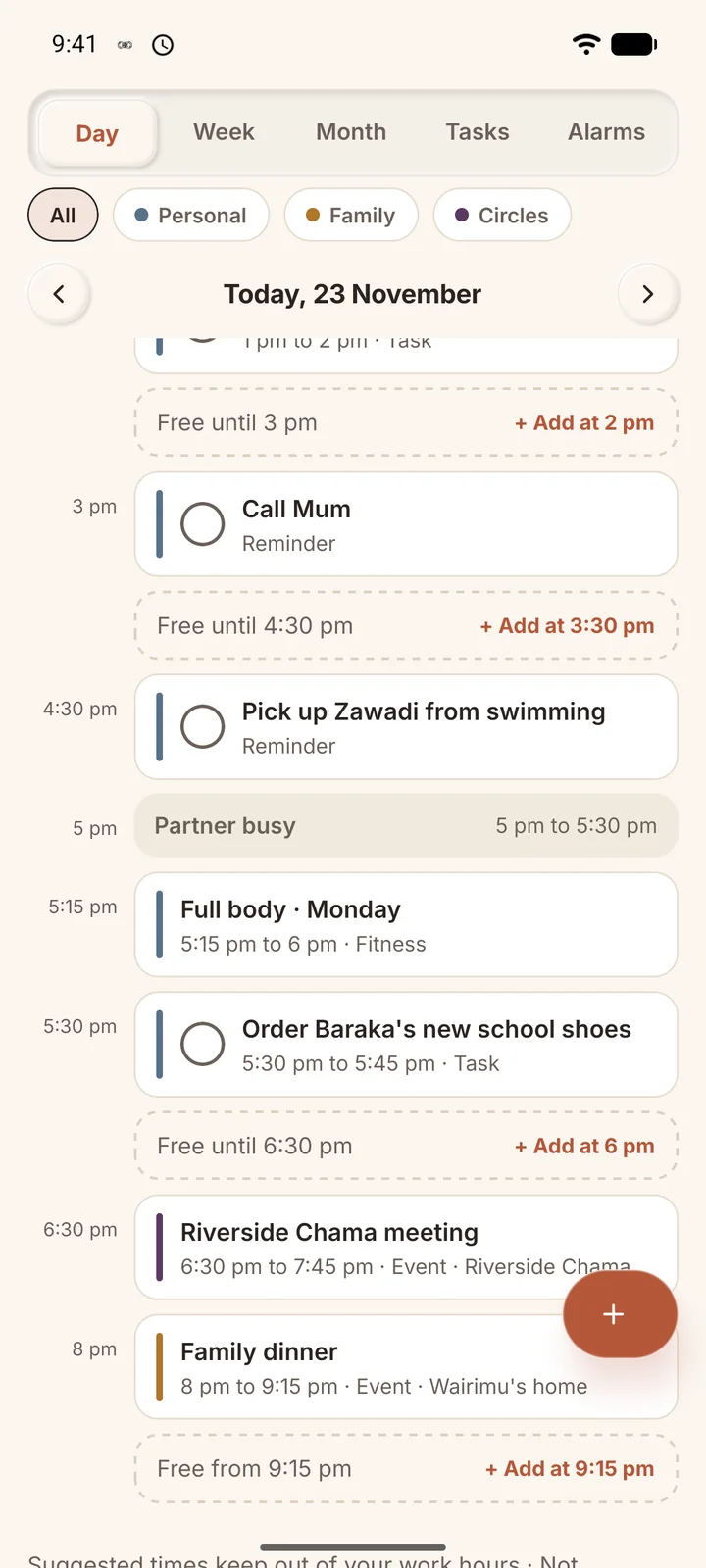
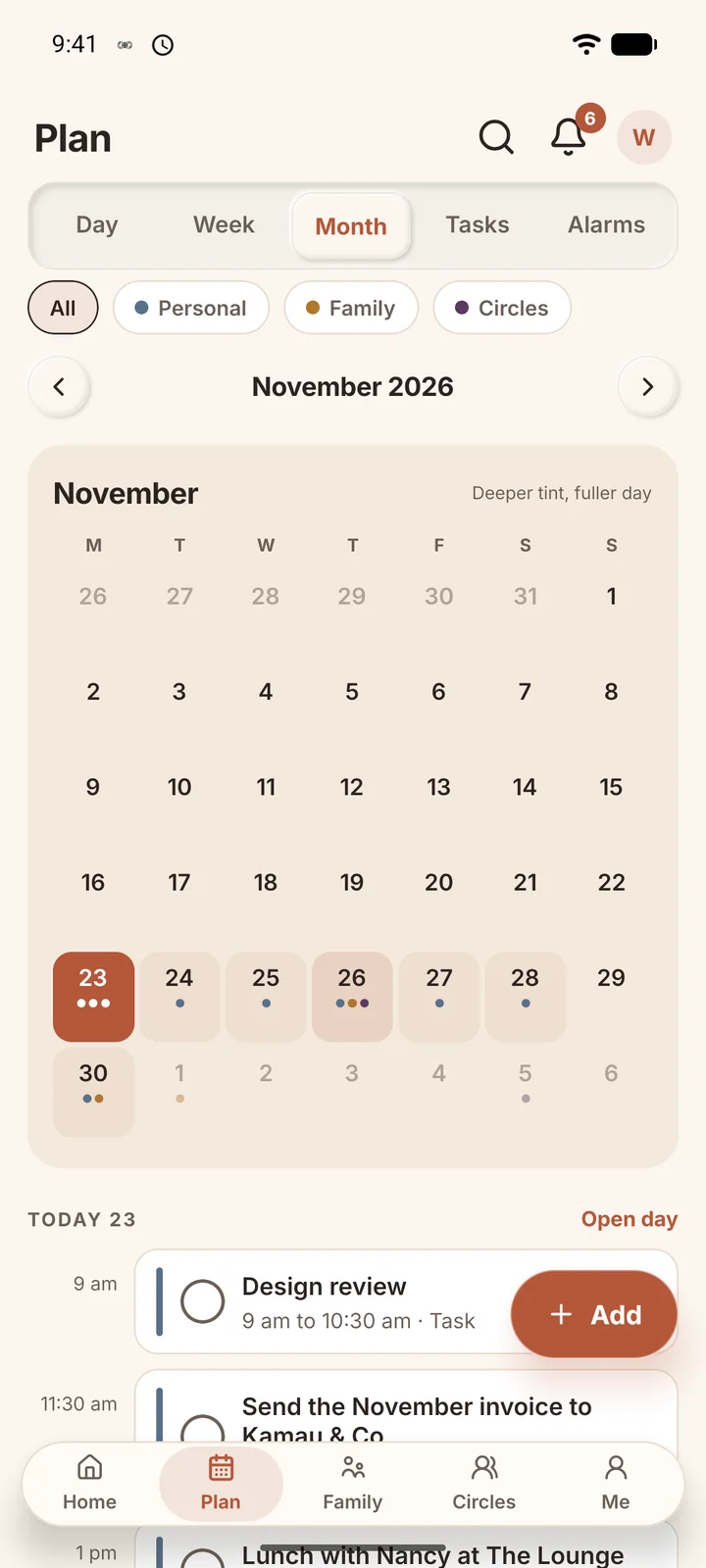
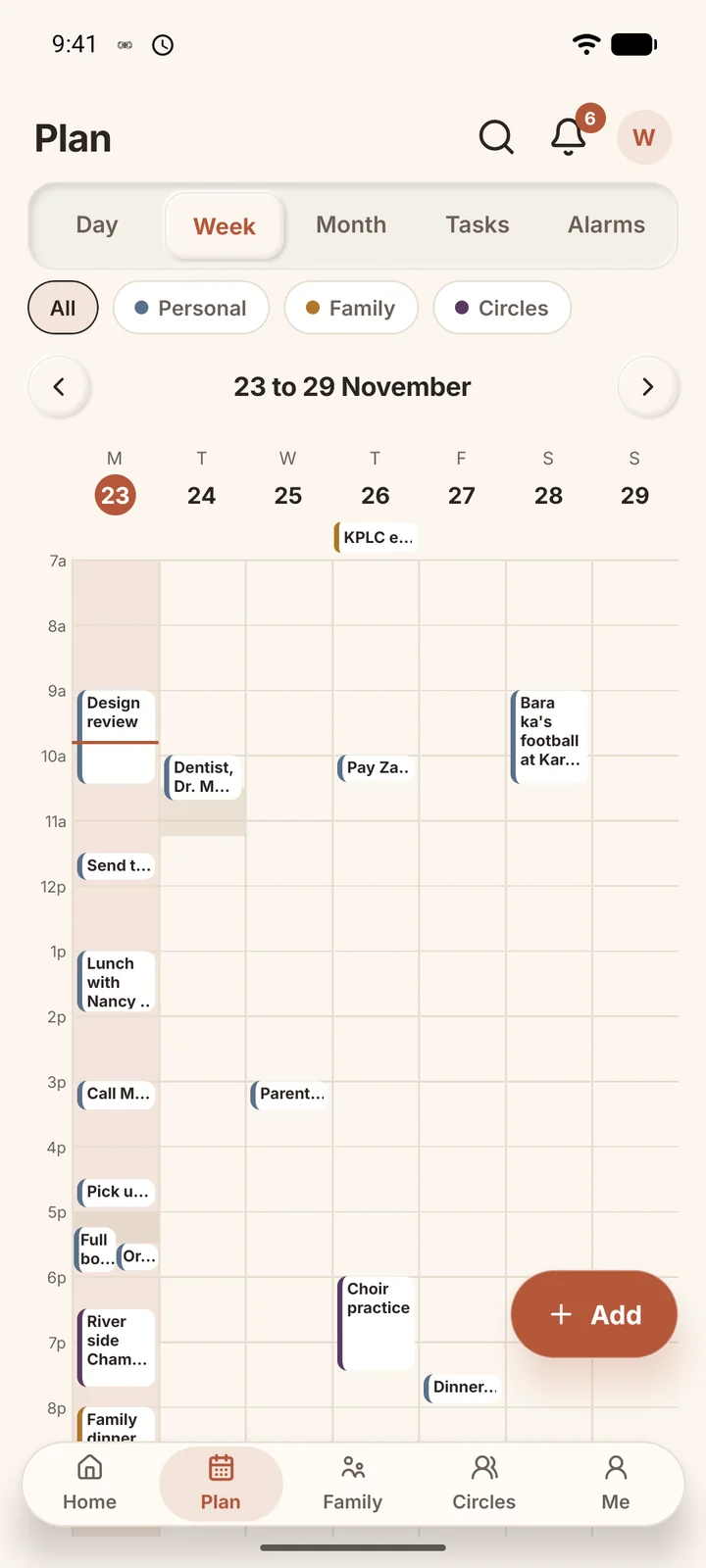
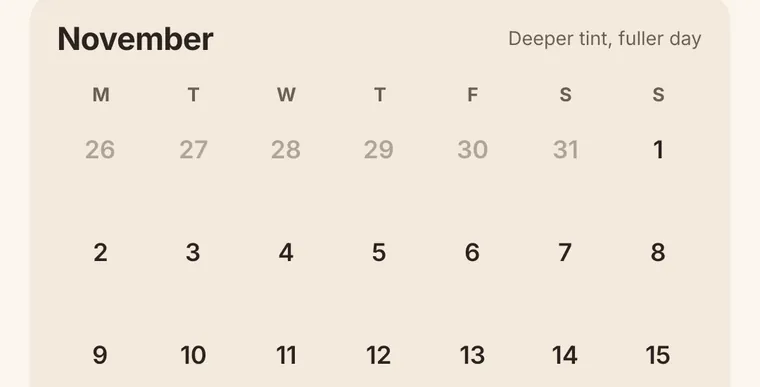
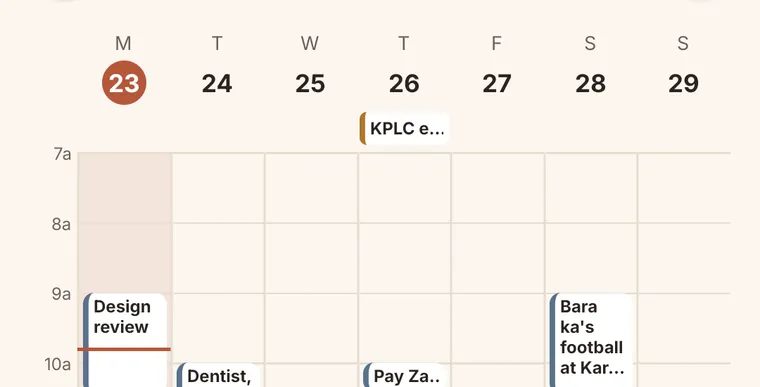
Day, week, month.
Colour by who it's for: you, family, circles.
To-dos, in order.
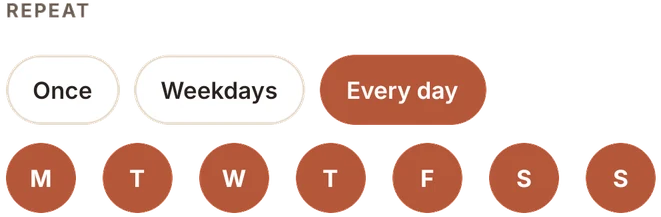
Steps, estimates, and repeats that roll forward when you tick them.



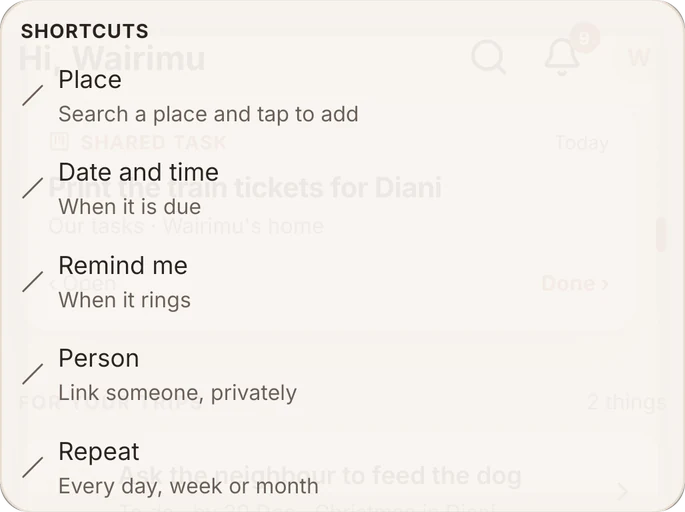
Type a slash.
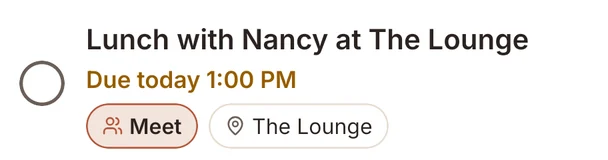
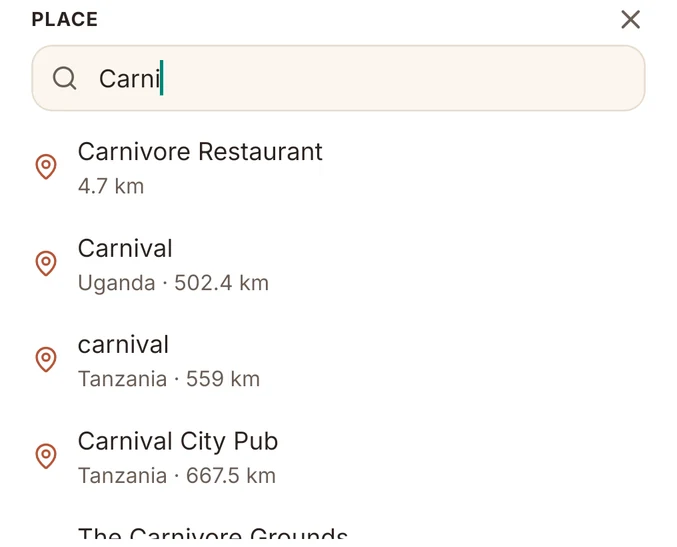
In the add sheet, @ links a person and a slash opens shortcuts: place, date and time, remind me, person, repeat. Pick Place and search for it.
Given to you, already placed.
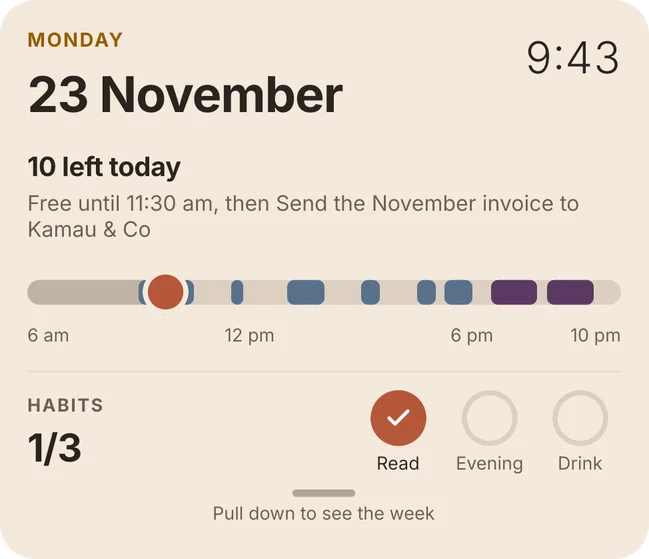
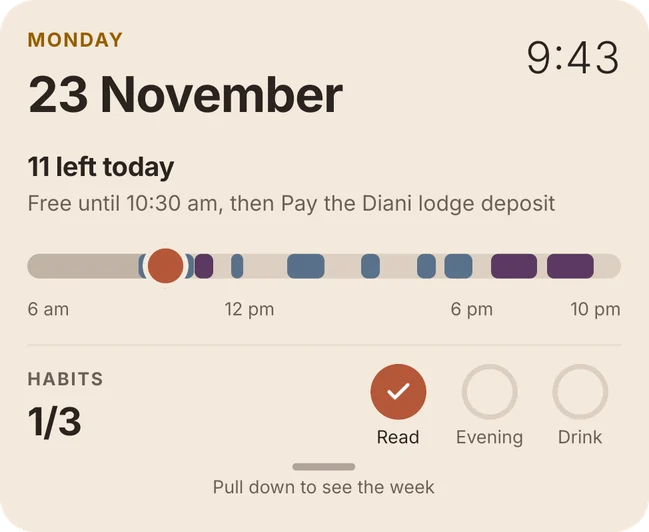
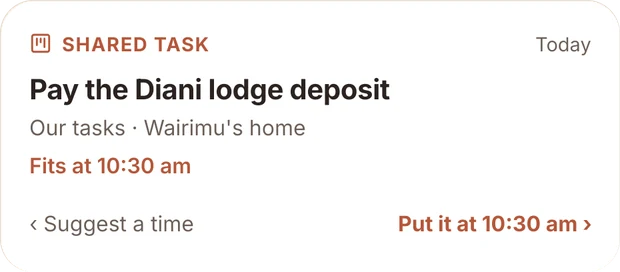
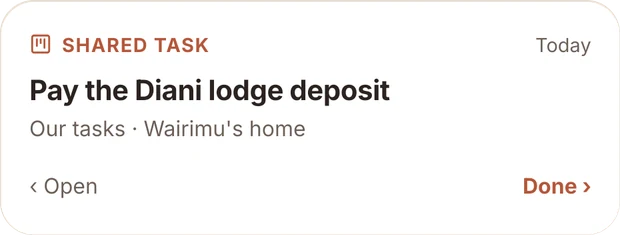
Kevin gives Wairimu a shared task, "Pay the Diani lodge deposit". LifeHub finds her next free slot, 10:30 am, and one tap puts it there.
Plans collide. It asks.
An invite for choir rehearsal at 1:30 pm overlaps lunch with Nancy. LifeHub shows the clash and offers to move it to 3:30 pm, keep both, or suggest a time.
Your Google Calendar, both ways.
Its events show up in Home and Plan. Send a task back with a tap.
 LifeHub · TodayPlan
Done, from the notification.
Tick it, snooze it or pick a time, without opening the app.
LifeHub · now
Call MumReminder · 3:00 pm
DoneSnooze 1 hLater…
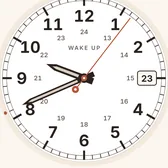
Alarms, in your plan.
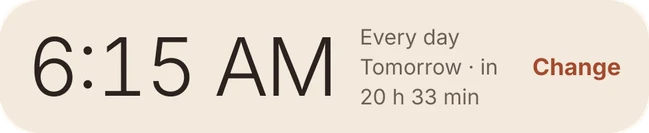
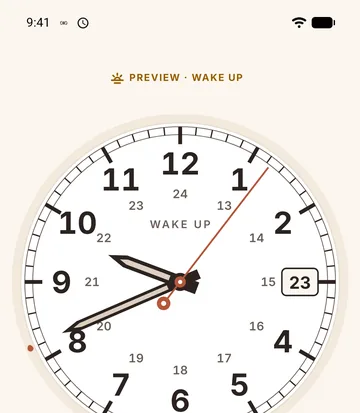
Wake-up and leave-by alarms that follow the day they belong to.

Ask. It suggests.
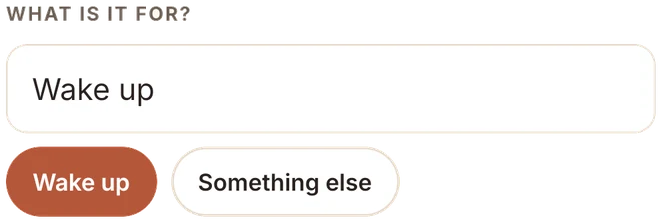
Nothing is saved until you tap Add. On Telegram too, by voice note or a photo of a receipt.




Everything in LifeHub.
Six places, one app.
- PlanDay, week and month, tasks, reminders and your calendar.
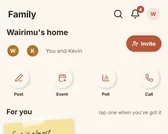
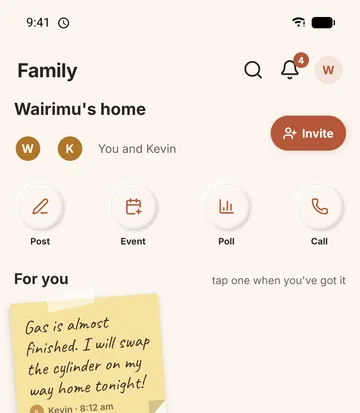
- FamilyShopping, meals, chores, money, kids and the house.
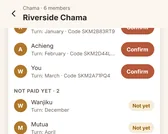
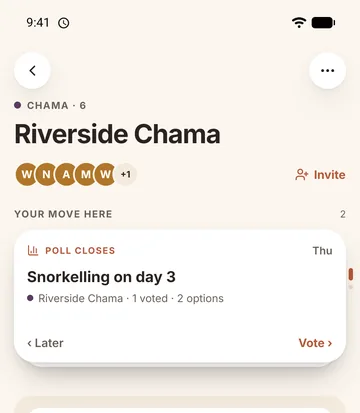
- CirclesYour chama, your church, your friends.
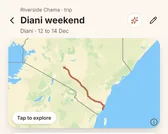
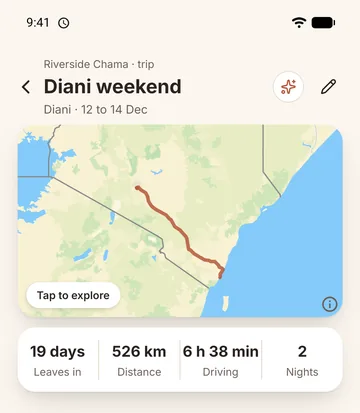
- TripsThe route, the days, the packing and who owes what.
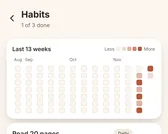
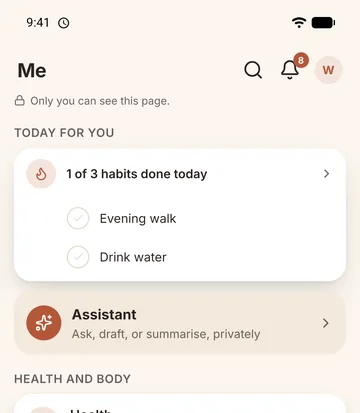
- MeWorkouts, habits, goals and health. Only you.
- Alarms & widgetsSixteen faces, and your day on the home screen.
Invite-only, for now.
Got a code? Open it here.
No code? Ask someone on LifeHub to invite you.