

Alarms & widgets.
Sixteen faces that wake you properly. Your day on the home screen.
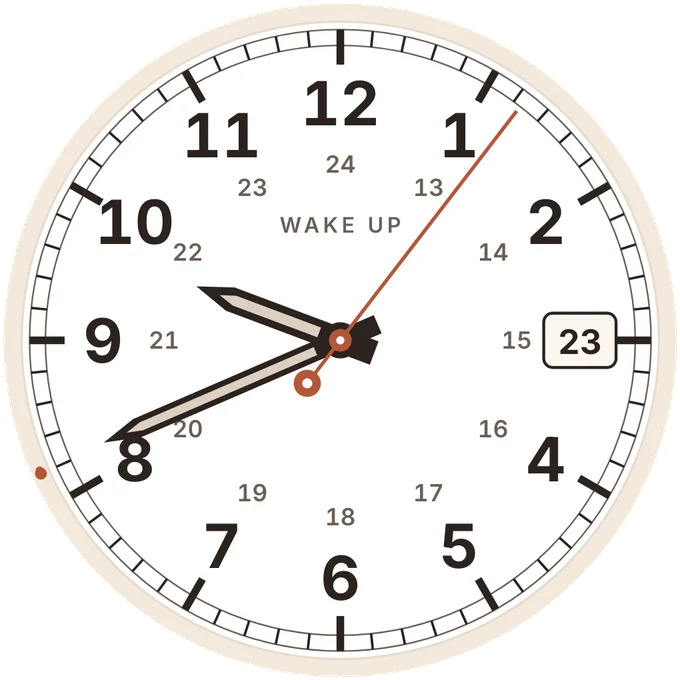



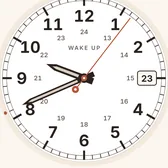
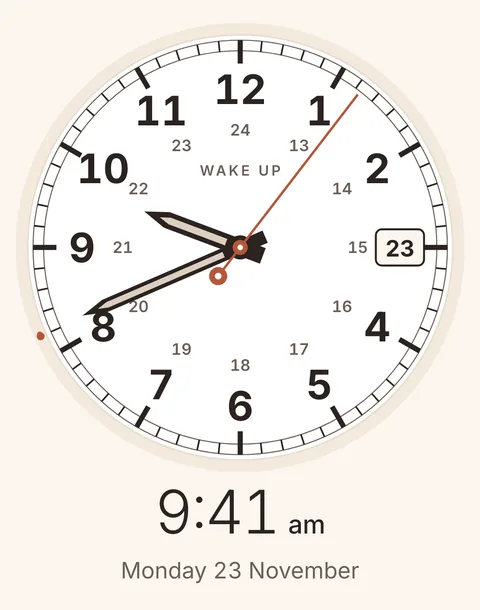
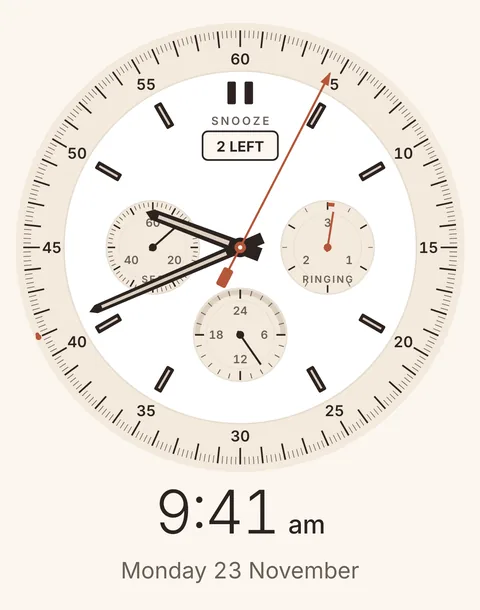
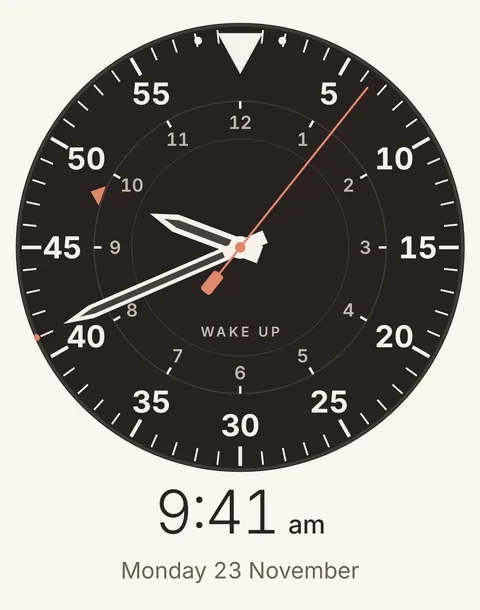
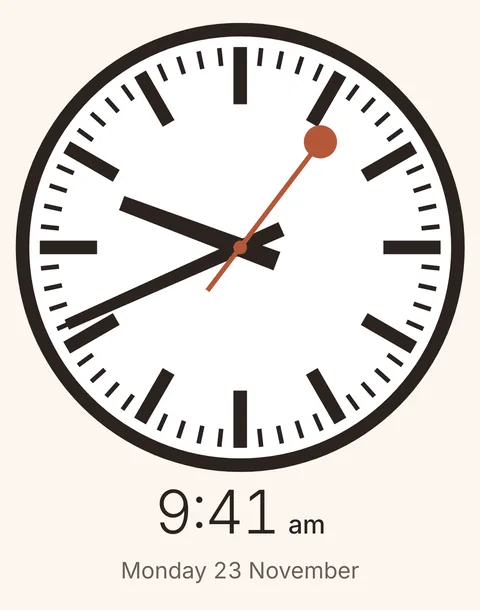
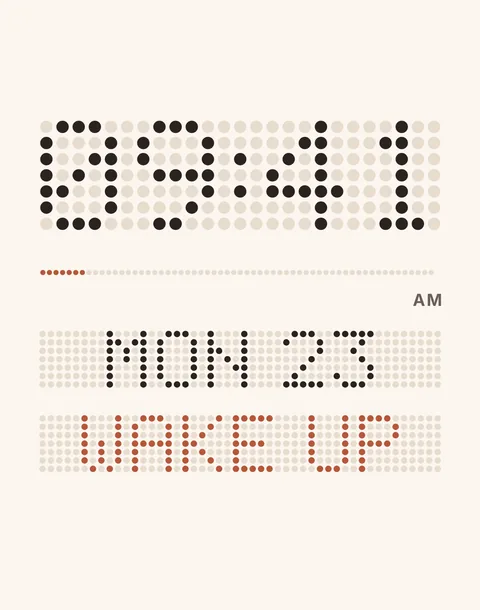
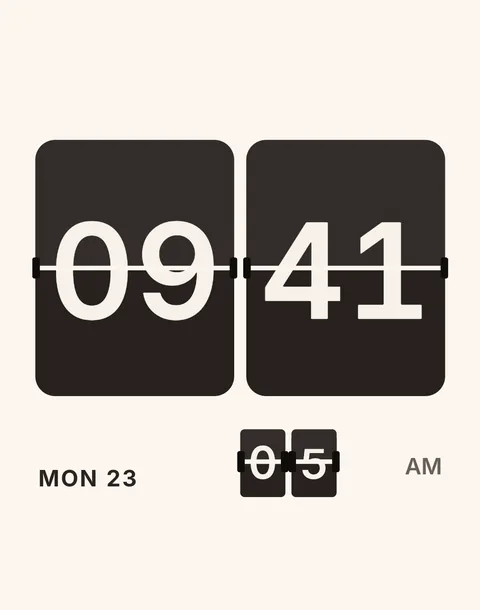
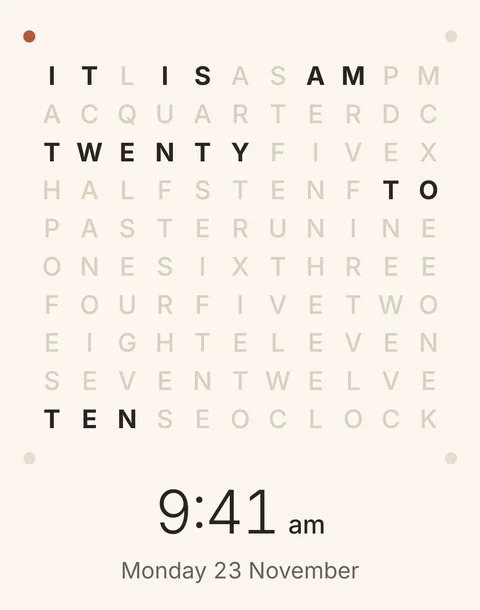
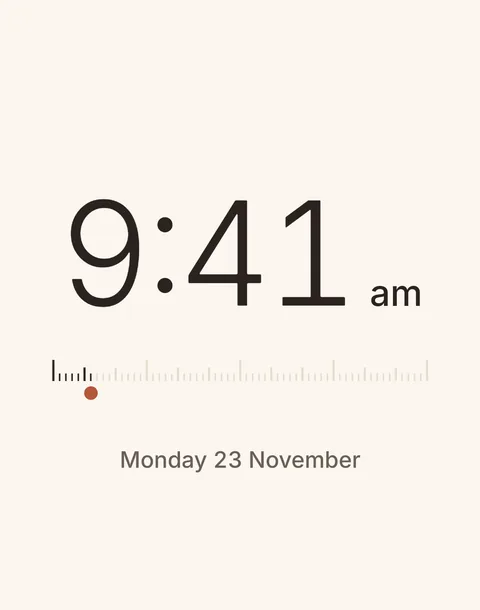
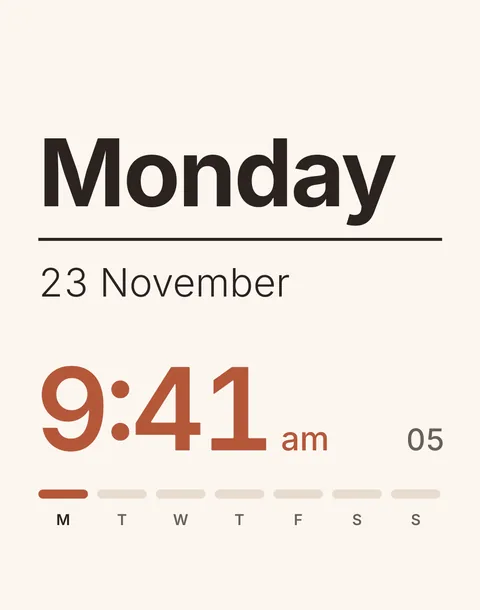
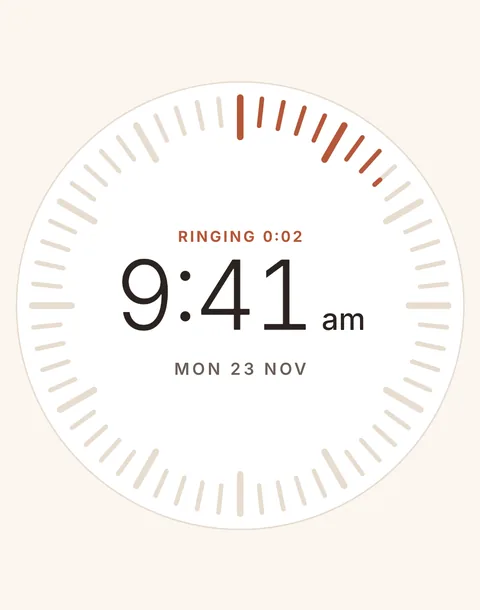
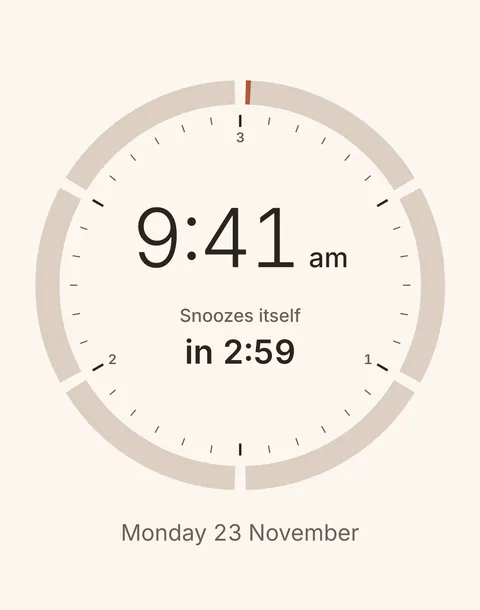
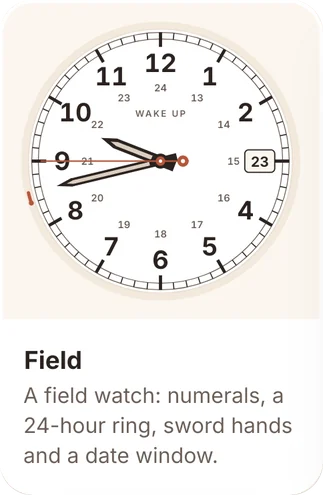
Sixteen faces.
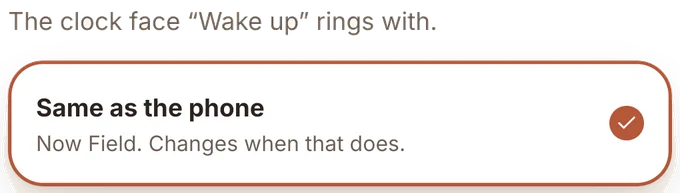
Pick one for the phone, or a different one for each alarm.
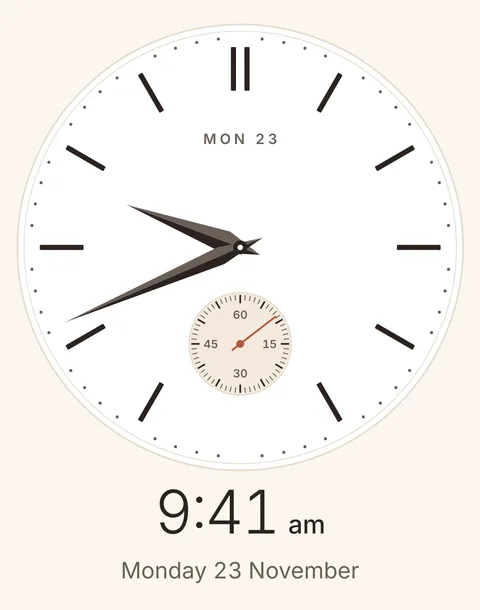
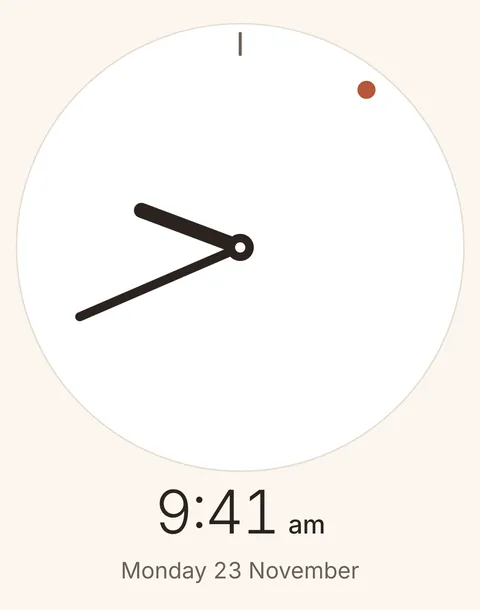
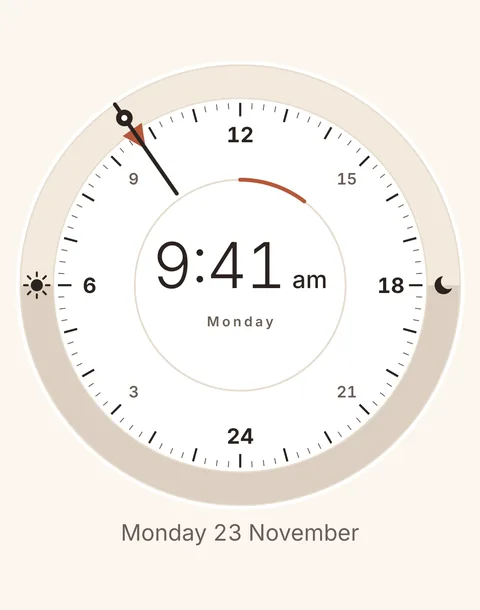
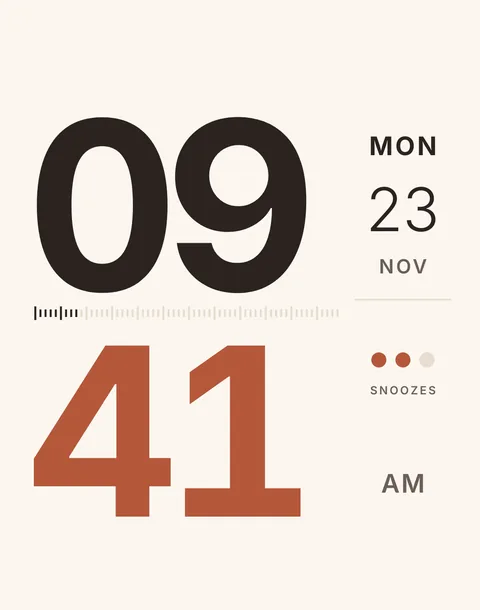
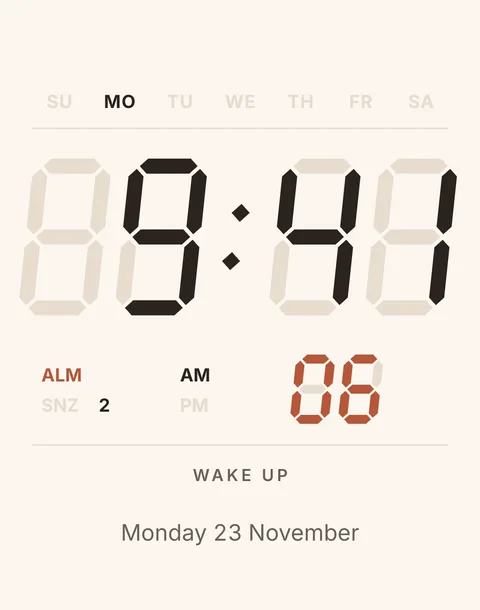
- Field
- Dress
- Chronograph
- Pilot
- Station
- One dot
- Day arc
- Bold split
- Segments
- Dot matrix
- Flip
- Words
- Calm
- Weekday
- Seconds ring
- Countdown ring
Set it once.
Time, repeat and snooze. Its own face, or the phone's.
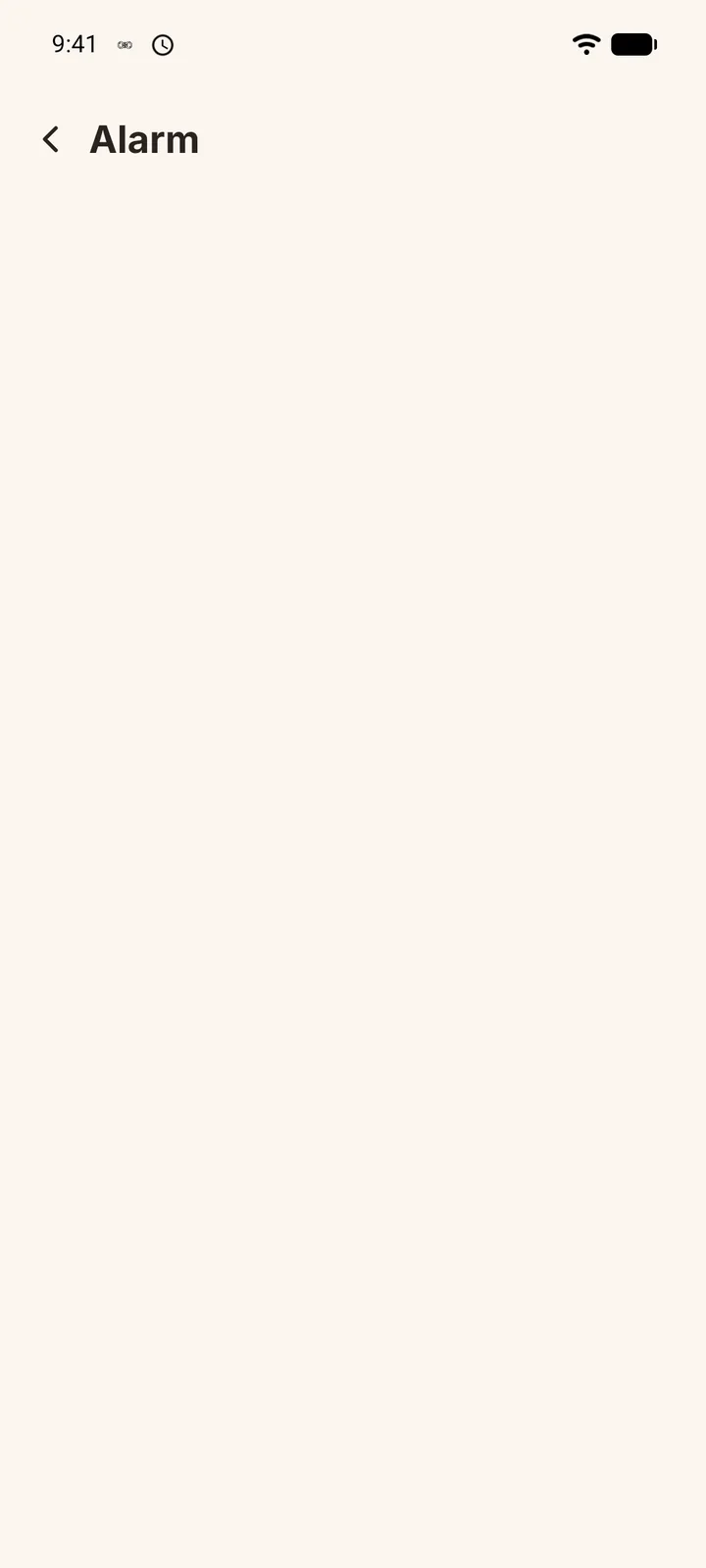
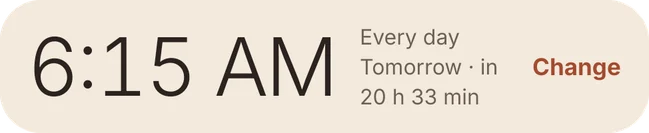
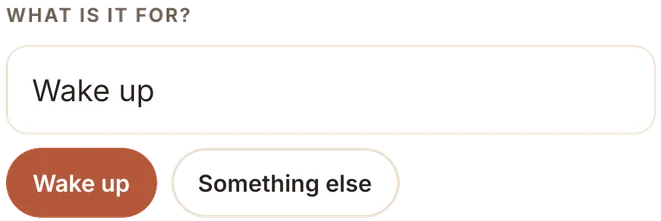
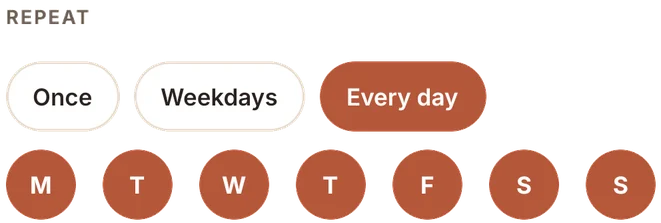
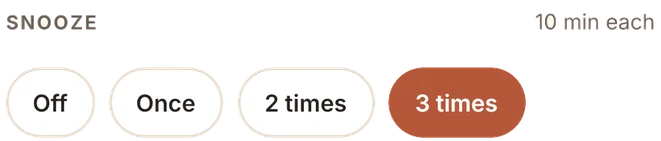
Wake and leave alarms can also follow your plan.
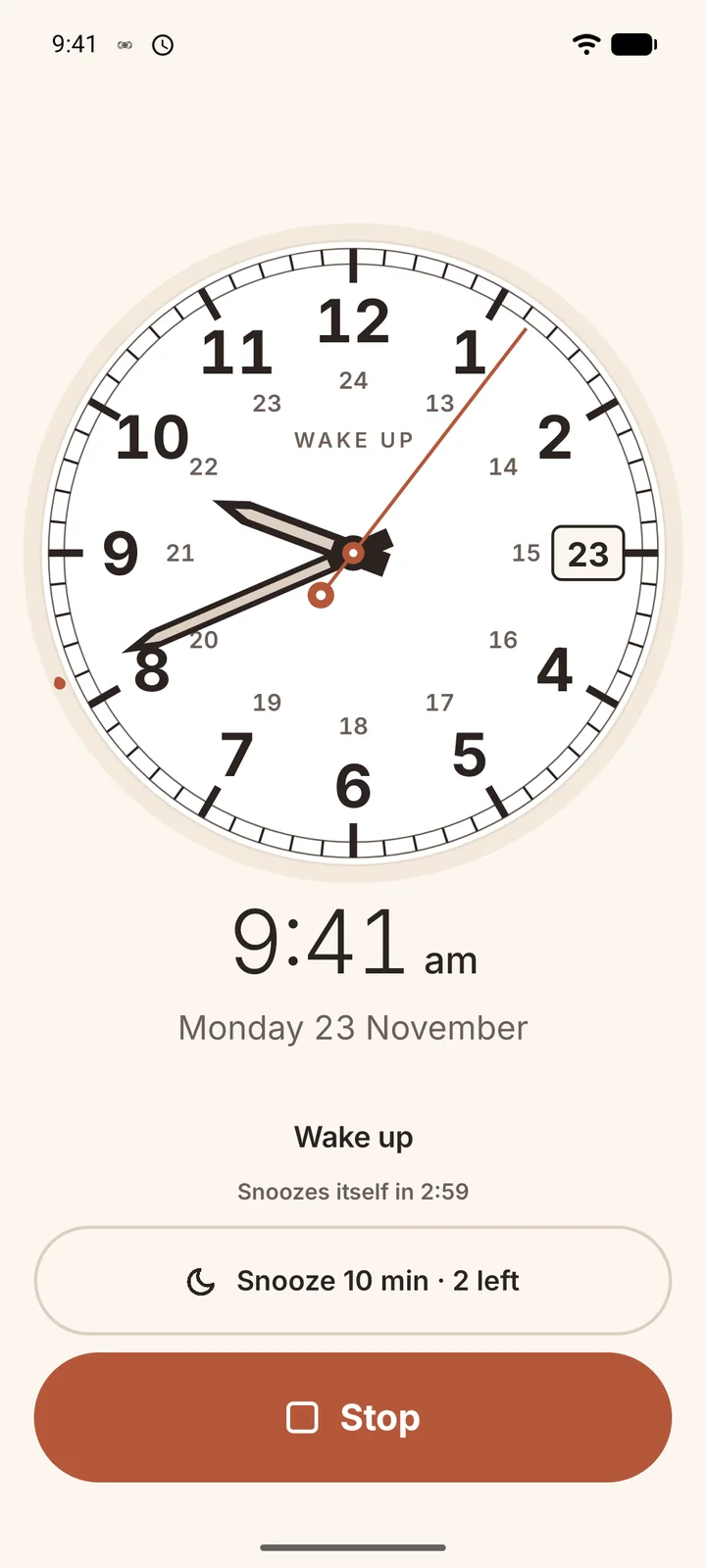
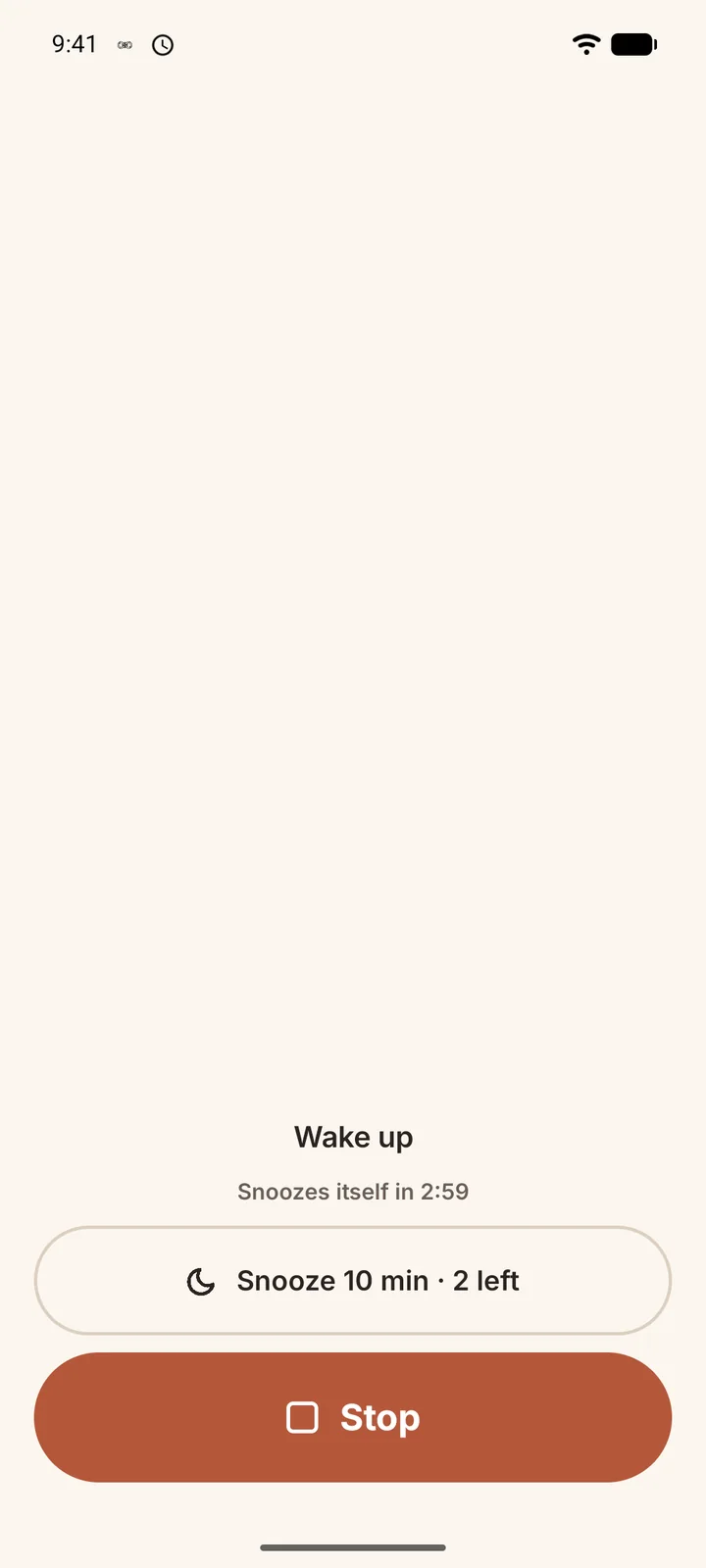
Rings over everything.
Full screen over the lock screen, until you stop it.
No fumbling for buttons.
Press a volume key to snooze. Press again to stop.
Snoozed for 10 min Alarm stopped- 1It rings
- 2Press a volume key: snoozed
- 3Press again: stopped
A widget for everything.
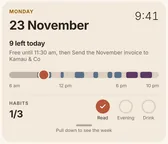
Today, Family, Countdown, Shopping and more. One smart one.
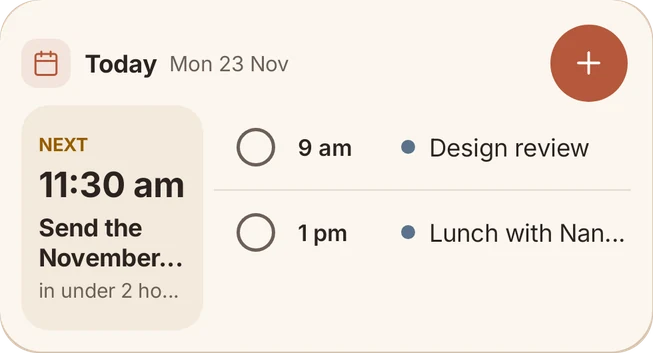
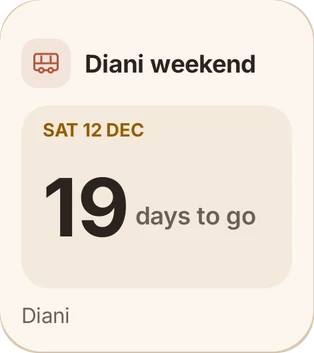
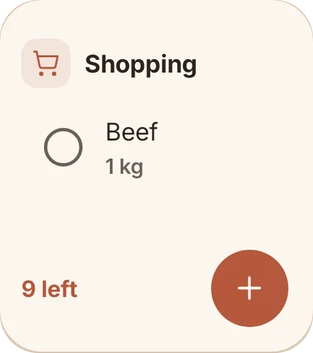
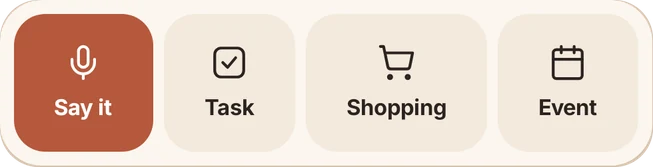
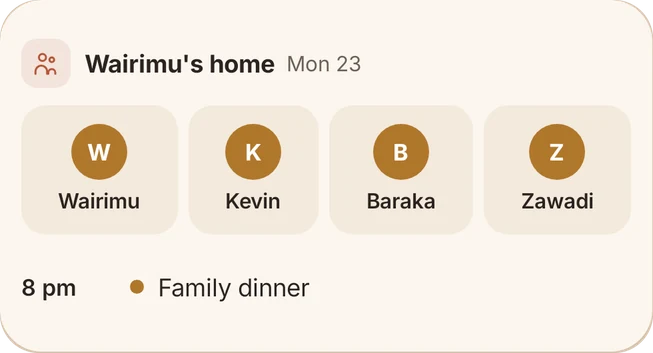
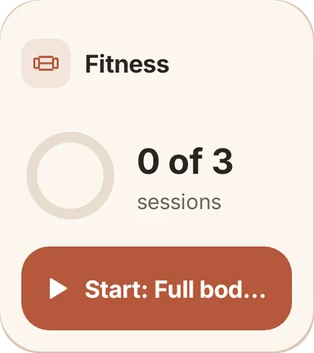
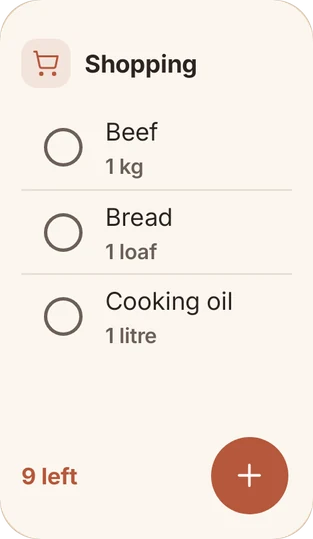
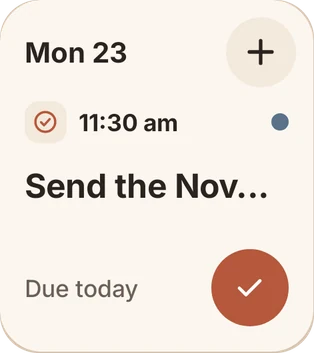
LifeHub widgets on an Android home screen: Today, Countdown to the Diani weekend, Shopping, Quick add, Family, Fitness, a tall Shopping list and the smart widget.
Count down to anything.
A trip, an event or a date. The widget shows the days left.





One widget, any size.
The smart widget shows more as you give it room.
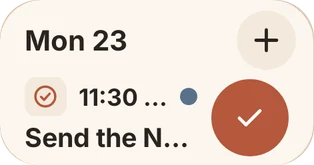
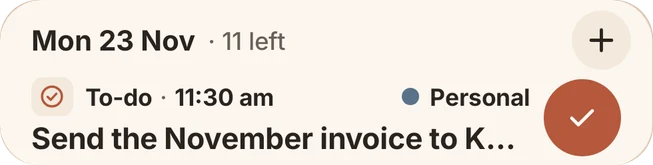
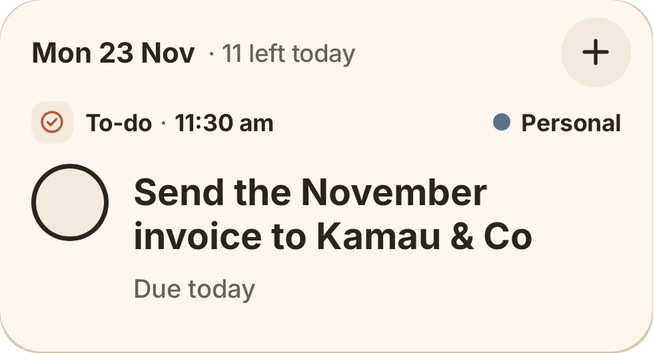
The smart widget at 2 by 1, 2 by 2, 4 by 1 and 4 by 2: your next thing with its own button, and more of the day as it grows.
Always up to date.
Widgets refresh themselves, even when Kevin made the change.
Kevin added BreadEverything in LifeHub.
Six places, one app.
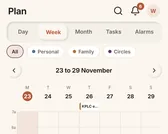
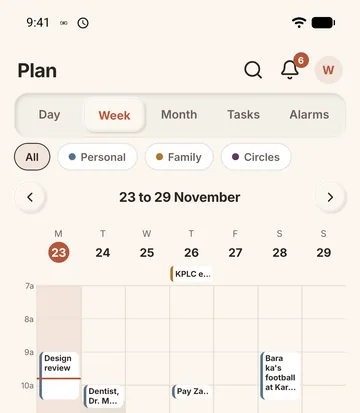
- PlanDay, week and month, tasks, reminders and your calendar.
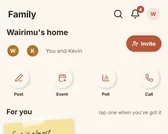
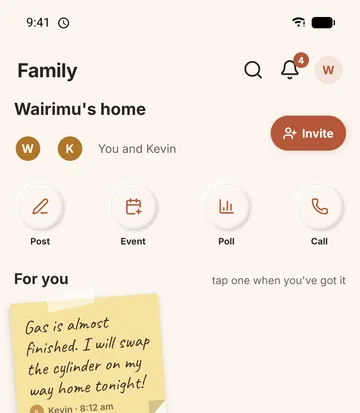
- FamilyShopping, meals, chores, money, kids and the house.
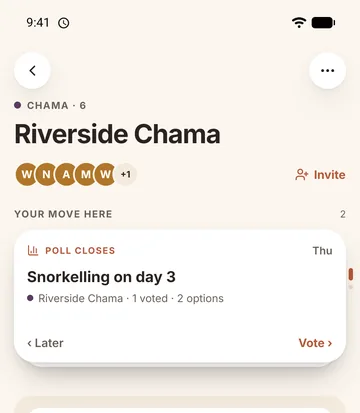
- CirclesYour chama, your church, your friends.
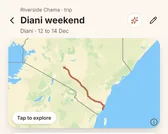
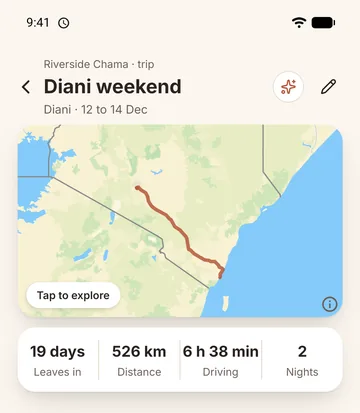
- TripsThe route, the days, the packing and who owes what.
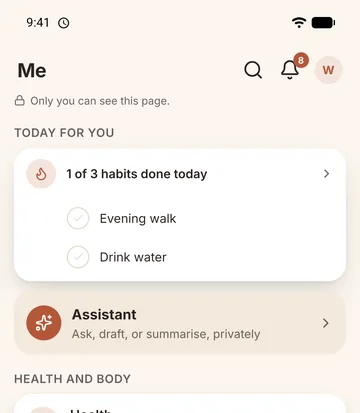
- MeWorkouts, habits, goals and health. Only you.
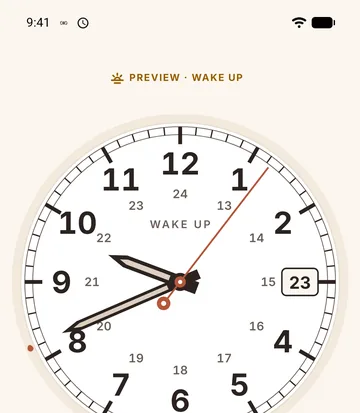
- Alarms & widgetsSixteen faces, and your day on the home screen.
Invite-only, for now.
Got a code? Open it here.
No code? Ask someone on LifeHub to invite you.